Small, intentional tech adjustments can significantly reduce daily friction, improve focus, and free up time. By optimizing notifications, automating routine tasks, organizing digital spaces, and using built-in tools more effectively, you can create a smoother, more predictable day. This guide outlines practical, realistic ways Americans are simplifying routines without adding complexity or relying on constant upgrades.
Why Small Tech Changes Matter More Than Big Upgrades
Most people assume productivity improves when they buy new devices or install the latest apps. In reality, research from organizations like Pew Research Center suggests that digital overwhelm—not lack of tools—is the bigger issue for many Americans.
Daily friction often comes from small inefficiencies: too many notifications, scattered files, duplicated tasks, and constant context-switching. These aren’t solved with new technology—they’re solved by using existing technology more intentionally.
The goal isn’t to do more. It’s to remove unnecessary steps so your day runs with less effort.
Start With Notification Control, Not More Apps
One of the fastest ways to streamline your routine is to reduce interruptions.
A 2023 study by American Psychological Association found that frequent digital interruptions can significantly reduce productivity and increase stress levels. Yet most people never revisit their notification settings.
Instead of turning everything off, refine what truly deserves your attention.
Practical adjustments:
- Keep notifications for direct human communication (calls, messages from key contacts)
- Silence non-urgent app alerts like promotions, game updates, and social media likes
- Use scheduled “Do Not Disturb” modes during work or sleep hours
- Enable priority filters so only critical alerts break through
This alone can reduce cognitive load throughout the day.
Automate Repetitive Tasks You Do Every Day
Many daily actions are predictable: checking the weather, starting work, reviewing your calendar, or turning off lights at night.
Automation tools—especially those built into your phone—can handle these without extra effort.
On Apple devices, Apple Shortcuts allows you to create routines like automatically opening your work apps when you arrive at your office. On Android, Google Assistant routines can bundle multiple actions into one command.
Simple automation ideas that actually help:
- Morning routine: weather + calendar + commute time
- Work mode: silence notifications + open productivity apps
- Night routine: dim lights + set alarm + activate sleep mode
- Travel mode: enable maps + music + location sharing
These changes reduce decision fatigue and make transitions between tasks smoother.
Organize Your Digital Workspace Like a Physical One
Clutter slows you down—even when it’s digital.
A disorganized desktop, messy downloads folder, or chaotic email inbox can create subtle but constant friction. According to a report from McKinsey & Company, professionals spend a significant portion of their time searching for information.
That’s time you can reclaim with simple organization systems.
Effective digital organization habits:
- Use consistent folder naming (e.g., “2026_Projects” instead of random titles)
- Archive emails instead of letting inboxes grow indefinitely
- Keep your desktop nearly empty—treat it like a workspace, not storage
- Use search-friendly file names instead of vague ones like “final_v2”
Think of your devices as work environments, not storage bins.
Use Built-In Features Before Downloading New Apps
Many people install new apps for problems their devices already solve.
Modern smartphones and computers come with powerful, underused features—focus modes, screen time tracking, reminders, and voice input.
For example, iOS Focus Mode and Android’s Digital Wellbeing tools allow you to create context-specific environments (work, personal, sleep) without needing third-party apps.
Before downloading anything new, ask: Is there already a built-in solution?
This reduces app clutter and simplifies your workflow.
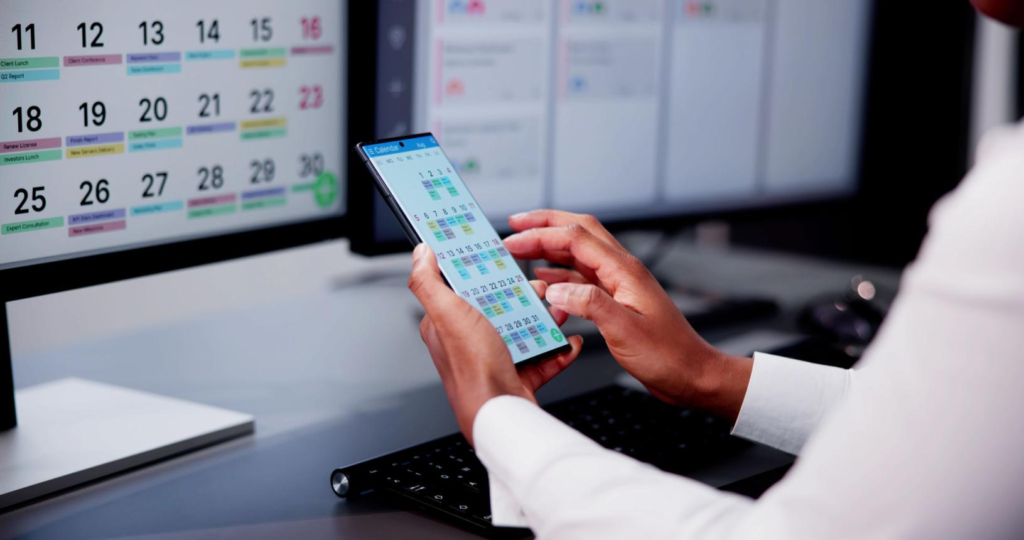
Batch Similar Tasks to Reduce Context Switching
Switching between unrelated tasks—like answering emails, checking messages, and working on a document—creates mental fatigue.
Technology can help you group similar actions together instead.
Ways to batch tasks using tech:
- Check email at scheduled times instead of continuously
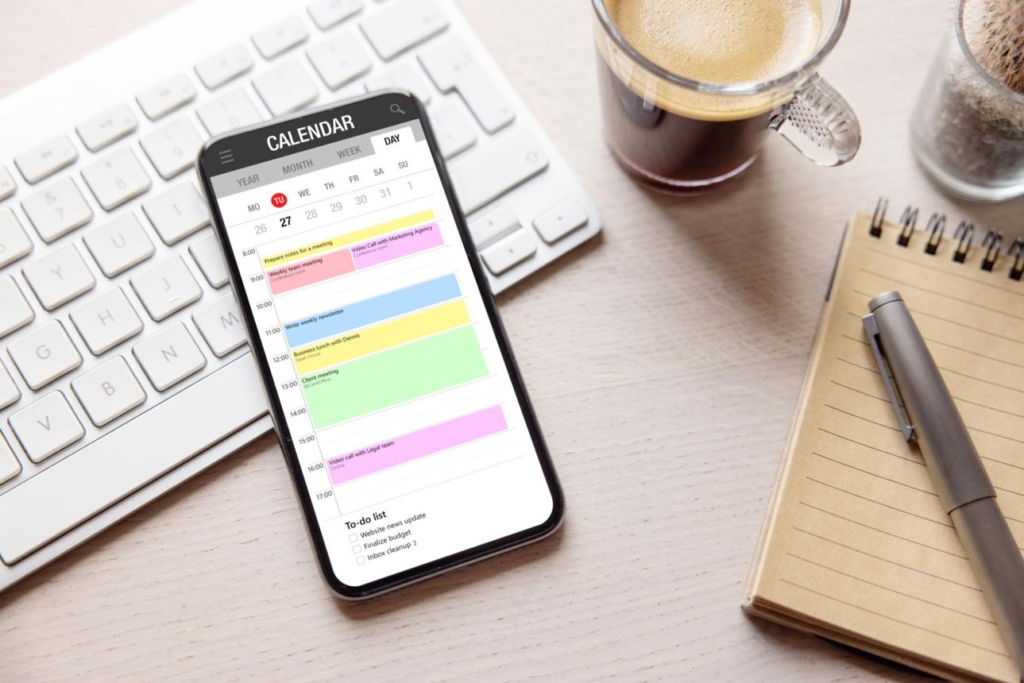
- Use calendar blocks for focused work sessions
- Group errands or reminders into a single daily list
- Use note apps to capture ideas instead of switching apps repeatedly
Even simple scheduling changes can improve consistency and reduce stress.
Improve Your Morning Routine With Tech That Supports, Not Distracts
Mornings often set the tone for the entire day. But many people begin with distraction—scrolling news, social media, or emails.
A more streamlined approach uses tech intentionally.
For example:
- Replace social media with a weather + calendar overview
- Use a smart alarm that gradually increases light or sound
- Set a “no-notifications” window for the first 30 minutes of your day
The goal is to start with clarity, not noise.
Reduce Decision Fatigue With Smart Defaults
Every small decision—what to wear, what to eat, what to check first—adds up.
Technology can reduce this by creating defaults.
Examples of helpful defaults:
- Default playlists for commuting or workouts
- Pre-set grocery lists in apps
- Saved templates for emails or documents
- Automatic bill payments
These changes remove repetitive thinking and free up mental energy for more important tasks.
Sync Your Devices So Everything Works Together
One overlooked source of inefficiency is disconnected devices.
When your phone, laptop, and tablet aren’t synced, you waste time transferring files, re-entering information, or searching for updates.
Cloud-based systems solve this.
Services like Google Drive or iCloud keep documents, notes, and photos consistent across devices.
This allows you to:
- Start a task on one device and finish on another
- Access important files anywhere
- Reduce duplication and confusion

Use Voice and Quick Input to Save Time
Typing isn’t always the fastest way to interact with technology.
Voice input and quick-capture tools can significantly speed up small tasks.
Where this works best:
- Dictating notes or messages while commuting
- Setting reminders hands-free
- Searching for quick information
- Adding tasks to a to-do list instantly
Even saving a few seconds per action adds up over a full day.
Frequently Asked Questions
1. What’s the easiest tech change to start with?
Adjusting notifications is often the fastest and most noticeable improvement.
2. Do I need new apps to streamline my routine?
No. Most improvements come from better use of built-in tools.
3. How long does it take to see results?
Many changes—like notification control—have immediate effects within a day.
4. Are automation tools complicated to set up?
Basic routines are usually simple and take only a few minutes.
5. What’s the biggest mistake people make with productivity tech?
Adding too many tools instead of simplifying existing ones.
6. Can these changes help reduce stress?
Yes. Fewer interruptions and clearer systems reduce mental overload.
7. How do I know which notifications to keep?
Keep only those that require timely action or direct communication.
8. Is digital organization really that important?
Yes. It directly impacts how quickly you can find and use information.
9. Do these strategies work for remote workers?
They are especially effective for remote and hybrid work environments.
10. What should I avoid when trying to streamline tech?
Avoid over-optimizing or constantly switching tools—it creates more friction.
Designing a Day That Runs Itself
Streamlining your routine isn’t about rigid systems or extreme productivity. It’s about reducing friction so your day flows naturally.
The most effective changes are small, repeatable, and aligned with how you actually live—not how productivity trends suggest you should.
When your technology supports your habits instead of interrupting them, even busy days feel more manageable.
A Clearer Way to Work Each Day
- Reduce interruptions before adding new tools
- Automate predictable parts of your routine
- Keep digital spaces organized and searchable
- Use built-in features instead of stacking apps
- Batch similar tasks to maintain focus
- Let your devices work together seamlessly
- Replace constant decisions with smart defaults